


How to Reconcile Your Koinly Account: A Step-by-Step Guide
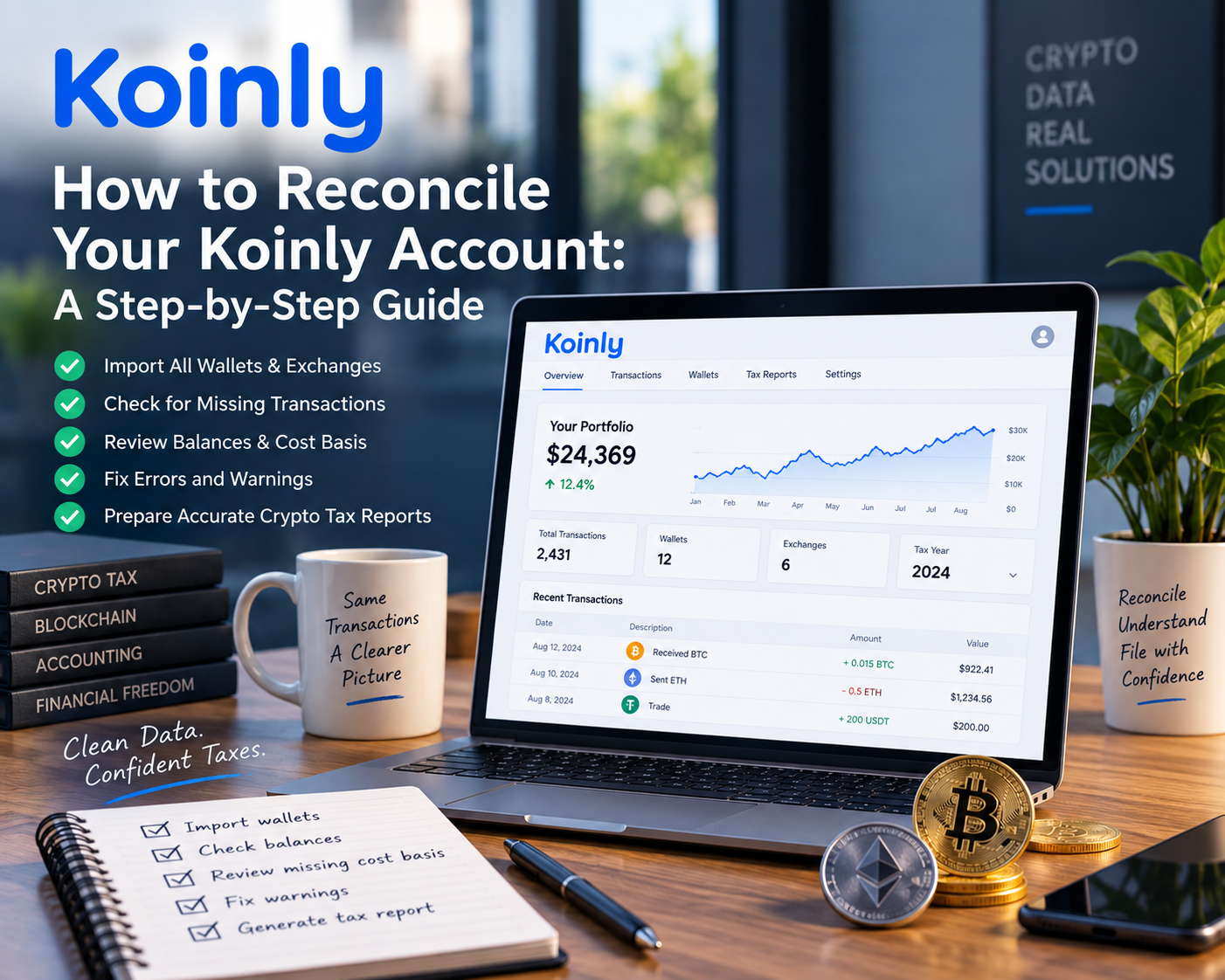
How to Reconcile Your Koinly Account: A Step-by-Step Guide
If you use Koinly to track your cryptocurrency transactions and prepare your crypto tax reports, importing your wallets and exchanges is only the first step.
A Koinly account can show transactions, portfolio values, capital gains, and tax reports even when the underlying data is incomplete or inaccurate. If transactions are missing, cost basis information is unavailable, or wallet balances don't match your actual holdings, your final tax report may not reflect your true crypto activity.
That is why crypto reconciliation is so important.
In this guide, we'll walk through the key steps involved in reconciling a Koinly account, including importing all historical wallets and exchanges, identifying missing cost basis and market rates, resolving balance discrepancies, and checking your portfolio before generating a tax report.
Important: Seeing transactions inside Koinly does not necessarily mean your account is fully reconciled.
What Does Crypto Reconciliation Mean?
Crypto reconciliation is the process of comparing the transactions and balances recorded in your crypto tax software against your actual wallet and exchange activity.
The objective is to make sure that:
All wallets and exchanges have been included
Transactions have been imported completely
Transfers between wallets are correctly identified
Cost basis is available for taxable disposals
Market rates are correctly assigned where required
Wallet balances match your actual holdings
Your portfolio value is accurate
Your tax report is based on complete and reliable data
A properly reconciled account should provide a reasonable representation of both your historical transactions and current crypto holdings.
Step 1: Import Every Wallet and Exchange You Have Used
The first step is to make sure Koinly contains every wallet and exchange you have ever used.
This is important even if you no longer hold cryptocurrency in a particular wallet or exchange.
For example, suppose you used:
MetaMask
Binance
Coinbase
Ledger
Bitcoin wallets
DeFi wallets
Other centralized or decentralized exchanges
You should include them all if they contain historical transactions relevant to your crypto activity.
Important: Please ensure you import all the wallets and exchanges you’ve ever used, including the ones you no longer use now.
Why historical wallets matter
A common mistake is to import only the wallets that currently contain cryptocurrency.
However, a wallet you stopped using several years ago may contain the original purchase history for assets that you later transferred to another wallet and sold.
If that historical acquisition is missing, Koinly may not be able to determine the correct cost basis.
That can potentially result in an inaccurate capital gain or loss.
Step 2: Import All Relevant Blockchain Networks
For blockchain wallets, make sure you are importing the relevant networks where you have activity.
For example, a wallet may have transactions across multiple chains such as Ethereum, Arbitrum, Avalanche, Hyperliquid, Robinhood, and other supported networks
Adding a wallet on one blockchain does not necessarily mean transactions from every other network have been captured.
If you use multiple chains, review each one carefully and make sure the relevant addresses and networks have been imported.
Step 3: Be Careful With Bitcoin and Extended Public Keys
Bitcoin wallets require particular attention.
Hardware wallets, including Ledger and Trezor devices, can generate multiple Bitcoin addresses over time.
If you only add individual addresses, you may not capture the complete transaction history associated with the wallet.
Where supported, using the appropriate extended public key (xPub/yPub/zPub) can provide a more complete view of the wallet's Bitcoin activity.
The exact key format depends on the wallet and address type being used.
The same principle can apply to other cryptocurrencies and wallet structures that use multiple addresses.
The key takeaway
Don't assume that one visible wallet address represents the entire wallet.
If your wallet generates new receiving addresses, investigate whether Koinly supports importing the wallet using an extended public key or another comprehensive wallet integration.
Step 4: Sync Your Wallets and Exchanges
After importing your wallets and exchanges, synchronize them again.
This is particularly important if:
You added a wallet several days ago
You have recently completed additional transactions
An exchange integration was previously configured
Historical data was incomplete during the original import
You changed or updated an API integration
A fresh synchronization can help ensure that newly available transactions are included.
However, synchronization alone does not guarantee reconciliation.
You still need to review the imported data and investigate any warnings or discrepancies.
Step 5: Check for Missing Cost Basis
One of the most important reconciliation checks is missing cost basis.
Cost basis generally represents the amount attributable to acquiring an asset, including relevant acquisition costs depending on the tax treatment applicable to you.
Consider a simple example.
Suppose Koinly records a sale of 22 units of a token, but the account does not contain sufficient historical acquisition transactions showing how those 22 units were acquired.
The software may not know the correct cost basis for the disposal.
If the acquisition history is missing, the resulting gain or loss calculation may be wrong.
What can cause missing cost basis?
Common causes include:
A missing historical wallet
An exchange that was never imported
An incomplete exchange API connection
Missing transfer transactions
Transactions from an unsupported platform
Incorrectly classified transfers
Manually deleted transactions
Blockchain activity that wasn't captured
Before relying on a tax report, investigate and resolve these issues. You may refer to our article on the complete guide to cryptocurrency cost basis.
Step 6: Review Missing Market Rates
The next important check is missing rates.
Crypto tax software needs appropriate market-rate information to value certain transactions.
Missing rates can occur with less common tokens, NFTs, DeFi transactions, or assets where reliable pricing data is not available through the software's normal integrations.
This is particularly important when dealing with:
NFTs
DeFi transactions
Low-liquidity tokens
Newly launched tokens
Airdrops
Complex swaps
Unusual blockchain transactions
If Koinly flags a transaction with a missing rate, don't simply ignore the warning.
Review the transaction and determine the appropriate valuation and treatment based on the facts and the relevant tax rules.
Step 7: Reconcile Wallet Balances
After checking missing cost basis and rates, the next major step is to compare calculated balances against reported balances.
This is one of the most useful reconciliation features in Koinly.
Koinly calculates what your wallet balance should be based on the transactions it has recorded.
You can then compare that calculated balance with the balance reported by the wallet or exchange.
Ideally, these figures should match, allowing for legitimate differences that may need investigation.
Example
Imagine an exchange reports:
BUSD balance: 0
But Koinly calculates:
BUSD balance: 500
That discrepancy needs to be investigated.
There may be a missing transaction, an incorrectly classified transfer, a duplicate transaction, or another data issue.
Similarly, a calculated balance can sometimes become negative when the transaction history does not contain enough acquisition activity.
A negative calculated balance is a strong indication that something needs to be investigated.
Step 8: Investigate Warning Indicators
Koinly uses warning indicators to highlight accounts or transactions that may require attention.
When you see a warning indicator next to a wallet or exchange, open the relevant account and investigate the discrepancy.
Look for:
Negative balances
Missing transactions
Missing cost basis
Missing market rates
Incorrect transfers
Duplicate transactions
Incorrect transaction classifications
Differences between calculated and reported balances
Don't treat these warnings as cosmetic issues.
They can affect the accuracy of your portfolio and ultimately your tax calculations.
Step 9: Manually Add Unsupported Transactions
Not every exchange, wallet, protocol, or platform will necessarily have a direct integration with Koinly.
If an integration isn't available, you may need to import or enter the relevant transactions manually.
This is especially important for unusual crypto activity.
For example, if you used a platform that isn't supported by Koinly, simply leaving it out of the account can create gaps in your transaction history.
The goal is not just to make Koinly "look complete."
The goal is to reconstruct the actual flow of your crypto assets as accurately as possible.
Step 10: Check Your Portfolio Value
Once the transaction-level issues have been addressed, review your overall portfolio.
The dashboard can provide a useful high-level check of your:
Current portfolio value
Cost basis
Unrealized gains and losses
Individual asset holdings
Wallet-level holdings
For example, if you know that your current crypto portfolio is worth approximately $23,000 but the software shows a substantially different amount, that's a reason to investigate the underlying data.
The dashboard should be treated as a reconciliation check, not as proof that the account is correct.
Step 11: Review Holdings by Wallet
Your total portfolio is made up of assets held across different wallets and exchanges.
Review where your assets are actually held.
Comparing this information against your actual accounts can help identify discrepancies that aren't obvious from the overall portfolio value.
Step 12: Check Historical Holdings
Another useful feature is reviewing your holdings as of a specific historical date.
This can be particularly useful when preparing accounts or tax returns for a previous financial or tax year.
For example, you may want to determine:
What assets you held at year-end
Which wallets contained those assets
What the portfolio was worth on a particular date
What the cost basis was
Whether historical balances make sense
Historical balance checks can help identify problems that might otherwise remain hidden. You may refer to this article on Catching Up on Prior-Year Crypto Taxes: Where to Start
Don't Generate Your Tax Report Too Early
One of the biggest mistakes crypto investors make is going straight to the tax report after importing their wallets.
You may see a gain or loss and assume that the number is correct.
But a tax report is only as reliable as the transaction data behind it.
For example, a reported capital loss could appear significant because the software has assigned a zero or incomplete cost basis to certain transactions.
That does not necessarily mean the tax result is correct.
Reconcile first. Report second.
Your Koinly Reconciliation Checklist
Before downloading your crypto tax report, work through this checklist:
Wallets & Exchanges
Have I imported every wallet I've ever used?
Have I included old wallets with no current balance?
Have I included every exchange?
Have I included all relevant blockchain networks?
Have I synchronized my integrations?
Transactions
Are there missing transactions?
Are there duplicate transactions?
Are transfers correctly identified?
Are there unsupported platforms requiring manual imports?
Cost Basis
Are there missing cost basis warnings?
Does every disposal have appropriate acquisition history?
Are negative balances explained?
Market Rates
Are there missing market rates?
Have NFT and DeFi transactions been reviewed?
Are unusual or illiquid assets valued appropriately?
Wallet Balances
Do calculated balances agree with reported balances?
Have all significant discrepancies been investigated?
Does the overall portfolio value make sense?
Tax Report
Have reconciliation warnings been resolved?
Does the report no longer show unresolved issues?
Have I reviewed the final numbers before giving them to my accountant / CPA?
When Should You Get Professional Help?
Simple crypto portfolios can sometimes be reconciled by the investor using the tools available in Koinly.
However, reconciliation becomes significantly more complicated when a portfolio includes:
Hundreds or thousands of transactions
Multiple exchanges
Multiple blockchain networks
DeFi
Staking
NFTs
Bridges
Wrapped assets
Liquidity pools
Airdrops
Complex wallet-to-wallet transfers
Unsupported exchanges or protocols
Missing historical transaction data
In these situations, simply clicking through warnings may not be enough.
You need to understand why a discrepancy exists and how the underlying transaction should be treated.
Need Help Reconciling Your Crypto Transactions?
At Bitcounts, we specialize in crypto tax and transaction reconciliation for individuals, businesses, and complex crypto portfolios.
Our approach is to reconcile the underlying transaction data first and then use the reconciled data to prepare accurate tax and accounting reports.
Whether you're dealing with missing cost basis, wallet balance discrepancies, DeFi transactions, NFT activity, or multiple exchanges and wallets, our team can help identify and resolve the underlying issues.
Don't rely on a tax report simply because Koinly generated one. Make sure the underlying crypto data is reconciled first.
[Book a consultation with Bitcounts] to discuss your crypto reconciliation requirements.
Frequently Asked Questions
What is Koinly reconciliation?
Koinly reconciliation is the process of reviewing your imported crypto transactions and comparing calculated balances, cost basis, market rates, and holdings against your actual wallet and exchange activity.
Why does Koinly show a missing cost basis?
A missing cost basis usually means Koinly cannot identify the acquisition history associated with an asset being disposed of. This can happen when a wallet, exchange, transfer, or historical transaction is missing.
Why is my Koinly balance negative?
A negative calculated balance generally indicates that Koinly has recorded more units leaving an account than entering it based on the transaction history available to the software. The cause may be missing transactions, incorrect transfers, duplicate data, or other reconciliation issues.
Should I trust my Koinly tax report if it says "review needed"?
You should investigate the warnings before relying on the tax report. An unresolved reconciliation issue can affect your reported gains, losses, cost basis, and other tax calculations.
Do I need to import old crypto wallets?
Generally, yes. Historical wallets can contain acquisition transactions that are necessary to establish the cost basis of assets that you later transferred or sold.
Can I reconcile my Koinly account myself?
Yes, straightforward portfolios can often be reviewed by the investor. However, complex portfolios involving DeFi, NFTs, multiple chains, numerous wallets, or large transaction volumes may require professional reconciliation.