


CoinTracking Reconciliation: A Practical Guide to Reconciling Your Crypto Transactions
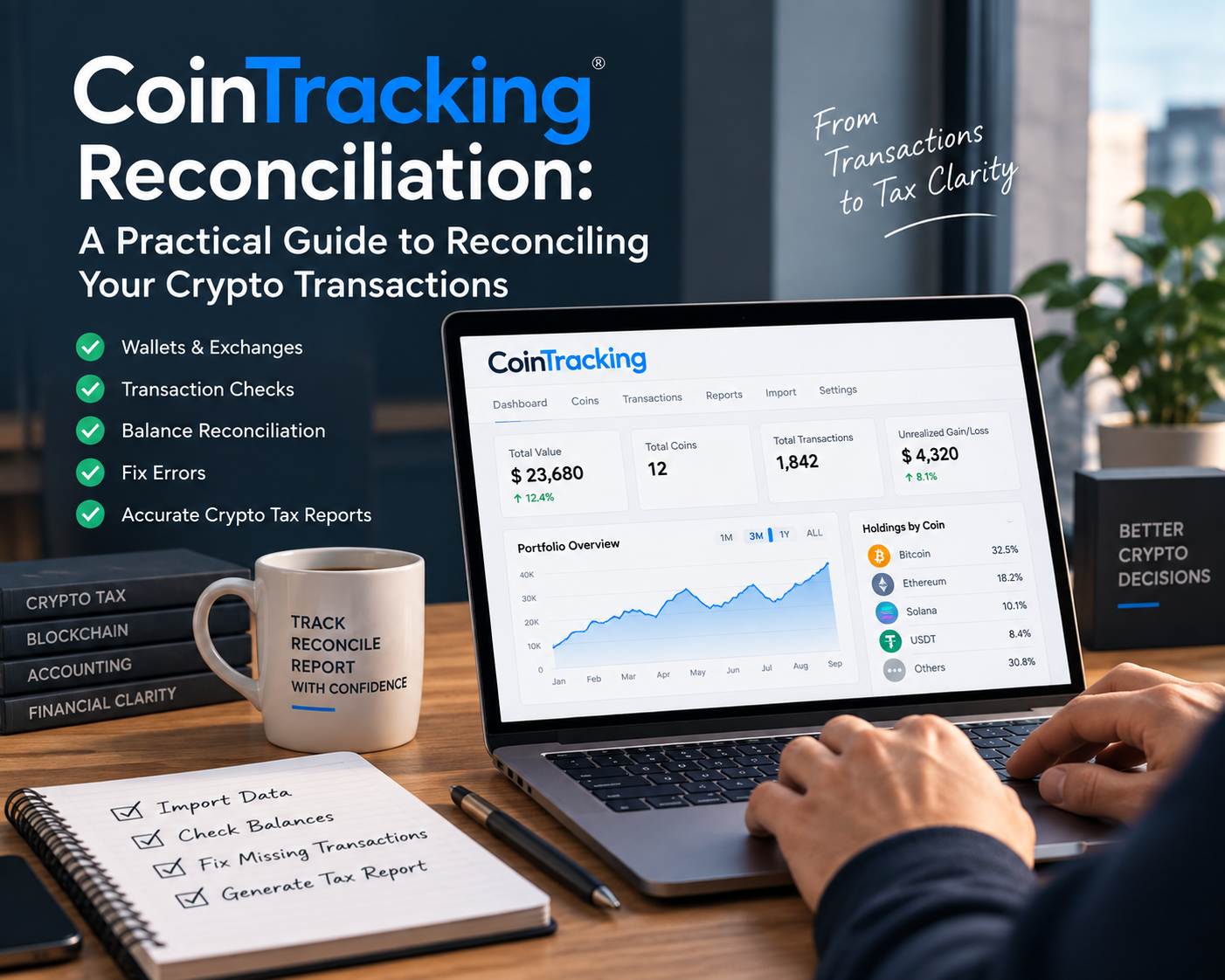
How to Reconcile Your CoinTracking Account Properly
If you're using CoinTracking to prepare your crypto taxes, importing your wallets and connecting read-only APIs are only the beginning.
Just because the transactions have been imported into CoinTracking, it doesn't necessarily mean the account is correct. There can still be missing transactions, duplicate entries, negative balances, or differences between what's showing in CoinTracking and what's actually sitting in a wallet or exchange.
That's where crypto reconciliation comes in.
The purpose of reconciliation is to go through the account and make sure the transactions, balances, and classifications actually make sense before using the data for your crypto tax report.
In this guide, I'll walk through the main checks I use when reconciling a CoinTracking account.
1. Make a list of every wallet and exchange you've used
Before you start importing anything, I recommend making a list of all the wallets, exchanges, and hardware wallets you've ever used for crypto.
Don't only include accounts that currently have cryptocurrency in them.
For example, you might have used: Coinbase, Binance, MetaMask, Solana, Ledger, Exodus Other centralized exchanges and blockchain wallets
You may have moved everything out of some of these accounts years ago, but the transaction history can still be important for your crypto tax calculations.
Keep track of your blockchain addresses too
If you've used self-custody wallets, make a note of the relevant wallet addresses and blockchains.
For example, you might have Ethereum addresses, Hyperliquid addresses or other blockchain addresses that you've used over the years.
I also recommend keeping track of counterparty addresses where possible.
For example, if you've sent crypto to a family member or friend, or received crypto from them, recording those addresses can make it much easier to identify and classify those transactions later.
It gives you a much better starting point for the reconciliation process.
2. Import your wallets and exchanges into CoinTracking
Once you've prepared your list, the next step is to get the transaction data into CoinTracking.
CoinTracking generally gives you different options depending on the wallet or exchange, including:
API imports
CSV imports
Manual or custom imports
Where an API is available, I generally recommend starting with the API.
However, don't assume that an API import means everything has been imported correctly.
After setting up an API, check whether there are any errors with the import or synchronization.
If an API isn't available, use the relevant CSV export from the exchange.
And if a particular wallet or exchange isn't supported, you may need to use a custom or Excel-based import.
The important thing is that every source of crypto activity needs to be accounted for.
3. Double-check that you've imported everything
Once your imports are complete, go to the transactions section in CoinTracking and review the sources you've imported.
One useful way of doing this is to look at the transactions by exchange or wallet and compare them against the list you prepared at the beginning.
For example, if your original list contains:
4 exchanges
3 hardware wallets
2 MetaMask addresses
1 Phantom wallet
Several blockchain addresses
make sure you can find all of those sources in CoinTracking.
This sounds simple, but it's one of the easiest things to overlook.
If one old wallet is missing, it could contain the purchase history needed to calculate the cost basis of crypto that was eventually sold.
4. Compare CoinTracking balances with your actual balances
This is one of the most important parts of CoinTracking reconciliation.
CoinTracking has a Balance by Exchange report.
But there's an important point to understand:
The balance shown in CoinTracking is the balance according to the transactions recorded in CoinTracking.
It isn't automatically your actual live balance.
You need to compare it with what's actually in the wallet or exchange.
Here's a simple example
Let's say CoinTracking shows that your Coinbase account contains:
2,800 DOGE
12.765 SOL
Other assets
with a total value of around $3,900.
You then log into Coinbase and check the actual balances.
If Coinbase also shows approximately 2,800 DOGE, 12.765 SOL and the same overall holdings, that's a good sign.
But if CoinTracking says you have 5,000 DOGE while Coinbase shows 2,800 DOGE, you have a discrepancy that needs to be investigated.
The same check should be performed for every wallet and exchange.
For blockchain wallets, you can use the relevant blockchain explorer to check the actual balance.
For example, depending on the network, you may use explorers such as Etherscan or Solscan.
The principle remains the same:
CoinTracking balance = actual wallet/exchange balance.
Where those numbers don't match, find out why.
5. Check for negative balances
While reviewing your balances, pay particular attention to negative coin balances.
A negative balance is usually a sign that something is missing or incorrectly recorded.
For example, suppose CoinTracking shows that you had 9,500 USDT and then records a withdrawal of 12,000 USDT.
That would leave you with a calculated balance of -2,500 USDT.
But you can't withdraw 12,000 USDT from an account that only had 9,500 USDT.
Something is missing.
It could be:
A missing deposit
A missing purchase
An incorrectly recorded transfer
A duplicate or incorrect transaction
An incomplete import
The negative balance itself isn't the problem you should simply try to hide. It's an indication that you need to go back and find the underlying issue.
6. Find and classify missing transactions
Another major part of crypto reconciliation is dealing with missing transactions.
One-sided deposits and withdrawals are particularly important here.
For example, imagine CoinTracking shows a withdrawal of 1,500 USDC.
If that USDC went from your Coinbase account to your own MetaMask wallet, then this should normally be recognized as a transfer between your own accounts.
But what if it went somewhere else?
You need to determine what actually happened.
Was it:
A transfer to another wallet?
A payment for goods or services?
A donation?
A DeFi transaction?
A liquidity pool transaction?
A derivative transaction?
A transfer to another person?
You can't correctly classify the transaction without understanding what actually happened.
This is why looking at the blockchain transaction can be very useful when you're unsure about a particular entry.
The goal is zero unresolved missing transactions
If CoinTracking is showing a large number of missing or unclassified transactions, don't move directly to the tax report.
Work through them first.
At the end of the reconciliation, you want to understand what each transaction represents.
7. Check for duplicate transactions
Duplicates can happen during the import process.
For example, you may import transactions through an API and later upload a CSV containing some of the same transactions.
Now the same transaction may exist twice in CoinTracking.
This can obviously affect your balances and your crypto tax calculations.
CoinTracking has tools to help identify duplicate transactions, so make sure you review these before finalizing your data.
A duplicate transaction isn't just a cosmetic problem.
It can cause your calculated balance to be wrong.
8. Review CoinTracking's validation warnings
CoinTracking also provides validation checks that can highlight potential problems in the transaction data.
Go through these warnings rather than simply ignoring them.
Depending on the account, you may find issues related to:
Incorrect transaction data
Missing information
Balance problems
Transaction classifications
Other inconsistencies
Some warnings may be minor, but others can have a material effect on your crypto tax calculations.
The important thing is to understand what the warning means and whether it actually needs to be corrected.
9. Review the Transaction Flow report
The Transaction Flow check is another important part of the reconciliation process.
This helps identify situations where the flow of a particular cryptocurrency doesn't make sense.
For example, suppose the account has a balance of 9,500 USDT immediately before a withdrawal of 12,000 USDT.
The transaction flow will show that the balance becomes negative.
That's something you need to investigate.
It could indicate that CoinTracking is missing a transaction that occurred before the withdrawal.
Going through these warnings can help you find problems that aren't always obvious when you're simply looking at the transaction list.
10. Don't rely on the tax report alone
Once the reconciliation is complete, you can move on to the crypto tax report.
But don't assume the report is correct simply because CoinTracking has generated it.
Review the warnings within the tax report as well.
For example, you may find transactions where the cost basis is showing as zero or where CoinTracking is unable to calculate the gain or loss properly.
A zero cost basis isn't automatically wrong, but it definitely deserves a review.
You need to understand why the cost basis is zero.
Was the asset actually received without a purchase cost?
Or is the acquisition transaction missing?
Those are very different situations from a crypto tax perspective.
11. Check your cost basis before finalizing your crypto tax report
Cost basis is one of the most important pieces of information in a crypto tax calculation.
If the original acquisition history is missing, the gain or loss on a later disposal may be incorrect.
This is why it's important to trace transactions back through your wallets and exchanges when necessary.
For example:
Exchange A → Wallet → Exchange B → Sale
If you only have the final sale in CoinTracking but the original purchase from Exchange A is missing, the software may not have enough information to calculate the correct cost basis.
This is one reason why simply importing your current wallets isn't enough.
You need the historical transaction trail.
12. Generate the final tax report
Once you've worked through the reconciliation process and resolved the material issues, you can generate your crypto tax report.
Depending on your circumstances, there are different report settings that may need to be considered, including the relevant country and tax calculation method.
Before finalizing the report, make sure you've reviewed the settings and confirmed that they're appropriate for your situation.
At this point, the objective is to have:
Wallets and exchanges fully accounted for
Actual balances matching CoinTracking balances
No unexplained negative balances
Missing transactions resolved
Duplicates reviewed
Validation issues addressed
Transaction flow issues investigated
Cost basis issues resolved
Tax report warnings reviewed
Only then would I be comfortable treating the CoinTracking report as the basis for further crypto tax work.
CoinTracking Reconciliation Checklist
Here's the simple version of the process:
Before importing
List every wallet you've ever used
List every exchange you've ever used
List your hardware wallets
Record relevant blockchain addresses
Record known counterparty addresses where useful
After importing
Review every wallet and exchange is included
Review API import errors
Use CSV where API isn't available
Manually/custom import unsupported sources
Compare the imported sources against your original list
During reconciliation
Compare CoinTracking balances with live balances
Check each cryptocurrency individually
Investigate negative balances
Review missing transactions
Classify one-sided deposits and withdrawals
Check for duplicate transactions
Review validation warnings
Review transaction flow warnings
Before preparing your crypto tax report
Review cost basis issues
Investigate zero-cost transactions
Review tax report warnings
Make sure there are no material unresolved issues
Check that the final numbers make sense
When CoinTracking Reconciliation Gets Complicated
If you've only made a handful of trades on one exchange, reconciliation may be relatively straightforward.
It becomes a different story when you're dealing with several years of crypto activity across multiple wallets and exchanges.
Things can get particularly complicated when your history includes:
DeFi
NFTs
Staking
Bridges
Liquidity pools
Multiple blockchain networks
Hundreds or thousands of transactions
Old wallets and exchanges
Manual transactions
Transfers between multiple wallets
Unsupported exchanges or protocols
In these situations, finding the difference is often only half the job.
You also need to understand what actually happened and how the transaction should be classified.
Need Help With Crypto Reconciliation?
If your CoinTracking account doesn't reconcile, don't simply work around the warnings and generate the tax report.
At Bitcounts, we help clients with crypto reconciliation and crypto tax work, including complex portfolios involving multiple wallets, exchanges and blockchain activity.
We can help trace discrepancies, review transaction flows, identify missing cost basis, reconcile wallet balances and clean up the data before the final tax report is prepared.
The goal isn't just to make CoinTracking show a clean report. The goal is to make sure the underlying crypto transactions are actually correct.
If you're unsure whether your CoinTracking account is properly reconciled, [get in touch with Bitcounts] to discuss your crypto reconciliation requirements.
Frequently Asked Questions
What is CoinTracking reconciliation?
CoinTracking reconciliation is the process of checking the transactions and balances recorded in CoinTracking against your actual wallets and exchanges to make sure the data is complete and accurate.
Why are my CoinTracking balances different from my exchange balances?
A difference can be caused by missing transactions, duplicate transactions, incorrectly classified transfers, incomplete imports, or other issues in the transaction history.
What does a negative balance in CoinTracking mean?
A negative balance generally means that, according to the transactions currently recorded, more cryptocurrency has left the account than has entered it. This usually needs further investigation.
How do I find missing transactions in CoinTracking?
You can review CoinTracking's transaction and reconciliation reports for one-sided deposits or withdrawals, transaction-flow warnings and other inconsistencies. You may also need to check the underlying blockchain or exchange records.
Should I generate my crypto tax report before reconciling CoinTracking?
It's better to reconcile the underlying transaction data first. Generating a tax report from incomplete or inaccurate transaction data can result in incorrect gains, losses, or cost basis.
Can I reconcile CoinTracking myself?
Yes, if your crypto activity is relatively simple. However, portfolios involving multiple exchanges, wallets, blockchain networks, DeFi, NFTs, and large transaction volumes can require considerably more detailed reconciliation.
Feel free to let us know if you have any questions or need any assistance. Thank you for reading.